How to Check If Your Email Has Been Hacked: A Free 5-Minute Self-Check

Dharmendra Asimi
SEO Expert & WordPress Professional since 2005

Cyber Kavach · Article 1 of 5
The self-defence series for your digital life. No jargon, no fear-selling. Free tools, clear steps, and checks you can run yourself in minutes.
Two months ago a client in Bangalore called me in a panic. Her suppliers had received "updated bank details" emails from her address, written in her tone, signed with her signature. She had not sent them. One supplier had already transferred Rs.3.4 lakh to the fraudster's account. The scary part: her password still worked, nothing looked broken, and the attacker had been reading her mail for six weeks through a hidden forwarding rule she never knew existed.
Her case is not rare. India lost Rs.22,495 crore to cybercrime in 2025, with 28.15 lakh complaints registered, up 24% in a single year. A huge share of that fraud does not start with a hacked bank. It starts with a quietly compromised email account, because your inbox is the reset button for everything else you own.
This article is the first in my Cyber Kavach series: practical self-defence for your digital life. Today you learn how to find out, in about five minutes and at zero cost, whether your email has been breached, whether someone is inside it right now, and exactly what to do about it.
Short answer
To check if your email has been hacked: (1) search your address on Have I Been Pwned, a free service that indexes over 14 billion breached records and shows every known data breach containing your email, (2) run Google Security Checkup (for Gmail) or your provider's activity log to review devices, sessions, and third-party access, and (3) inspect your mailbox for the eight signs of active compromise, the most dangerous being forwarding rules and filters you never created.
If you find trouble, the fix is a strict sequence: new password, kill all sessions, enable app-based two-factor authentication, verify recovery details, delete rogue rules, revoke unknown apps, then reset passwords on accounts that depend on this email. The order matters more than the speed.
Why is email the first thing you should secure?
Think about what happens when you click "Forgot password" on any account: your bank, PhonePe, Amazon, Instagram, your trading app. The reset link lands in your email. Whoever controls your inbox controls that reset button for your entire digital life.
Security people call this the blast radius problem. A hacked Instagram is embarrassing. A hacked email is a master key. Verizon's 2025 Data Breach Investigations Report found the human element involved in 60% of breaches, and stolen credentials remain the single most common entry point. Attackers know the math: one inbox unlocks twenty accounts.
There is a second reason email comes first. Your mailbox is an archive of your identity. Most Indians have Aadhaar scans, PAN copies, address proofs, salary slips, and bank statements sitting in old attachments. An attacker does not need to touch your bank to monetise that. Identity theft, loan fraud in your name, and SIM swap attacks all begin with documents mined from a compromised inbox.
🔵 Quick Stat
Have I Been Pwned now indexes over 14 billion breached accounts from more than 800 confirmed data breaches. Statistically, if you have used the internet for more than five years, at least one of your passwords is already in a criminal database. The question is not whether you have been exposed, it is whether you have closed the doors that exposure opened.
Step 1: Check your email against known data breaches (2 minutes)
Have I Been Pwned (HIBP) is the industry-standard free breach search, built by security researcher Troy Hunt and used by national governments, including official CERT teams, to monitor exposure. Here is the walkthrough:
- Go to haveibeenpwned.com and type your email address into the search box. Nothing else is needed, no signup, no payment.
- Read the verdict. Green means no known breaches contain your address. Red lists every breach that does, with dates and exactly what leaked: passwords, phone numbers, addresses, or more.
- Check what was exposed, not just where. A breach that leaked only your email is spam-level annoying. A breach that leaked your password is a five-alarm fire if you reused that password anywhere else.
- Click "Notify me" and subscribe with your address. The next time your email appears in a new breach, HIBP emails you automatically. This single free subscription does more for your safety than most paid antivirus products.
- Repeat for every address you use: personal Gmail, work email, the old Yahoo account that still receives your bank alerts.
If you prefer a second opinion, Mozilla Monitor runs on the same HIBP data with a cleaner dashboard, and password managers like Bitwarden include breach reports for the credentials you store in them.
🔴 Costly Mistake
Seeing your email in an old breach and shrugging because "that was years ago." Criminals run credential stuffing attacks with decade-old password dumps precisely because people never rotate passwords. If the password leaked in that 2019 breach is still your Gmail password today, you are one automated script away from a takeover. Old breach plus reused password equals current emergency.
Step 2: Run your provider's own security audit (2 minutes)
Breach databases tell you about past leaks. Your provider's security dashboard tells you who is inside your account right now.
For Gmail users
Open Google Security Checkup. It walks you through four screens in plain language:
- Your devices. Every phone, laptop, and tablet signed into your account. Anything you do not recognise, especially a device in another city, is an intruder. Remove it on the spot.
- Recent security activity. New sign-ins, password changes, and recovery edits from the last 28 days. An IP from a state you have never visited is your smoking gun.
- Third-party access. Apps and websites you once granted access to Gmail. That random "email cleaner" tool from 2021 can still read every mail. Revoke anything you do not actively use.
- Sign-in and recovery. Confirms your recovery phone and email. If either has been changed to something you do not recognise, an attacker is preparing to lock you out permanently.
For Outlook, Yahoo, and Apple users
- Outlook / Microsoft: visit account.live.com/Activity for the sign-in log with locations and devices, and account.microsoft.com/security for recovery settings.
- Yahoo: Account Info, then Recent Activity. Yahoo accounts deserve extra attention: the 2013 Yahoo breach exposed all 3 billion accounts that existed at the time, the largest breach in history.
- Apple: Settings on your iPhone, tap your name, scroll to the device list. Every device signed into your Apple ID appears there. Unknown device means remove and change the password immediately.
What are the 8 warning signs your email is already compromised?
The two free checks above catch most problems. These eight signs catch the quiet ones, the six-week silent compromises like my Bangalore client's. Open your mailbox and look for:
- Sent emails you did not write. Check the Sent folder first. Attackers often delete their tracks, so also check Trash and the "All Mail" view in Gmail.
- Forwarding rules you did not create. In Gmail: Settings, then "Forwarding and POP/IMAP." In Outlook: Settings, then Rules. This is the number one persistence trick. The attacker forwards a copy of every incoming mail to themselves and keeps reading even after you change the password. My client's fraudster used exactly this.
- Filters that auto-delete or auto-archive. Attackers create filters that instantly archive emails containing words like "password reset" or your bank's name, so you never see the alerts their activity triggers.
- Password reset emails for your other accounts. Receiving resets you did not request means someone with access to your inbox is working through your other accounts one by one.
- Login alerts from unfamiliar places. "New sign-in from Windows device in Noida" when you live in Mysore and use a Mac. Do not dismiss these as glitches.
- Contacts receiving spam or strange requests from you. The classic "I am stranded, please send money" or, in the business version, fake invoice and changed-bank-detail emails to your clients.
- Missing emails or mysteriously empty folders. Attackers delete mail to hide evidence, especially bank notifications and OTP messages.
- Your password stops working. The endgame sign: the attacker has changed it and swapped the recovery details. Go directly to your provider's account recovery flow and the reporting steps at the end of this article.
🟡 Did You Know
In Gmail, scroll to the very bottom of your inbox on desktop and click "Details" in the bottom-right corner. It shows the last 10 sessions with IP addresses, access type, and timestamps, plus a button to sign out of all other sessions. Most Gmail users have never noticed this link, and it is the fastest compromise check that exists.
The 15-minute recovery sequence (do it in this exact order)
If any check above turned up trouble, work through these seven steps in order. The sequence is designed so each step closes a door before the attacker can use it. Most people change the password and stop, which fails: the attacker's open sessions, forwarding rules, and recovery-detail swaps all survive a password change.
Change the password from a clean device. Use a long passphrase you have never used anywhere, 16+ characters. If you suspect your computer has malware, do this from your phone on mobile data instead.
Sign out of every session everywhere. Gmail: the "Details" link mentioned above, or Security Checkup device list. Outlook: "Sign out everywhere" on the security page. This evicts the attacker's live sessions, which a password change alone does not.
Turn on two-factor authentication, app-based. Use Google Authenticator, Microsoft Authenticator, or Authy rather than SMS, because SIM swap fraud defeats SMS codes. Better still, set up a passkey: passkeys cannot be phished at all.
Verify recovery email and phone. Attackers swap these so they can "recover" the account back after you fix it. Confirm both belong to you, and remove any recovery option you do not recognise.
Delete rogue forwarding rules and filters. Check both forwarding settings and the full filter list. This is the persistence mechanism that let my client's attacker read mail for six weeks after the original phishing click.
Revoke third-party app access. In Google: Security Checkup, "Third-party access." Remove everything you do not actively use today. Old connected apps are standing backdoors.
Reset the downstream accounts. Now change passwords on everything that uses this email for recovery, in priority order: bank and UPI apps first, then Amazon and payment-linked shopping, then social media. Watch each for unfamiliar activity over the next month.
Which free tools should you actually use?
You do not need to buy anything to run a serious email security audit. The complete free toolkit:
| Tool | What it checks | Cost | When to use |
|---|---|---|---|
| Have I Been Pwned | Past breaches containing your email, what data leaked | Free | Today, then auto-notify forever |
| Google Security Checkup | Live devices, sessions, third-party access, recovery info | Free | Quarterly + after any alert |
| Mozilla Monitor | Breach exposure dashboard on HIBP data | Free | Second opinion, family members |
| Microsoft Recent Activity | Sign-in log with device, browser, and location | Free | Outlook users, quarterly |
| Bitwarden (or any password manager) | Reused and breached passwords across all accounts | Free tier | Ongoing, replaces password reuse |
| Gmail "Details" session log | Last 10 sessions with IPs, one-click global sign-out | Free | The moment anything feels off |
How do you make your email genuinely hard to hack in 2026?
Recovery is damage control. Prevention is cheaper. Four moves take you out of the easy-target pool permanently:
- Passkeys on your primary email. Gmail, Outlook, and Apple all support passkeys in 2026. A passkey is bound to your device and the genuine website, so a phishing page cannot capture it even if you are fooled. This is the single biggest security upgrade available to a normal person, and it is free.
- A password manager with unique passwords everywhere. Password reuse is how an old gaming-forum breach becomes a bank problem. Bitwarden's free tier or the built-in Google and Apple password managers end reuse with zero memorisation.
- App-based 2FA on email, bank, and UPI. Google's account security research found that on-device second factors block essentially 100% of automated bot attacks. The five minutes of setup outperforms every antivirus subscription sold in India.
- A separate email for money. My own setup: one address exclusively for banking, UPI, and trading, never shared publicly, never used to sign up for newsletters or shopping. The public address can appear in a hundred breaches without ever touching the financial one. This costs nothing and quietly removes your bank from the blast radius of every future leak.
🟢 Pro Tip
Gmail users get free unlimited aliases: yourname+amazon@gmail.com and yourname+bank@gmail.com all deliver to yourname@gmail.com. Sign up for every service with a different alias. When spam arrives addressed to yourname+flipkart@, you know exactly who leaked or sold your address, and one filter kills everything sent to that alias forever.
What if money was already stolen? The India reporting playbook
If a compromised email led to financial fraud, the clock matters more than anything else. Banks and the police call the first 60 minutes the golden hour, because money frozen mid-transit is recoverable and money that completes its hops through mule accounts mostly is not.
- Call 1930 immediately. The national cybercrime helpline routes your case to the Citizen Financial Cyber Fraud Reporting system, which can freeze funds while they are still moving between accounts.
- File at cybercrime.gov.in with screenshots, transaction IDs, timestamps, and the fraudster's account details if visible. Save the acknowledgement number.
- Call your bank's fraud line and request transaction disputes and a temporary freeze. RBI rules limit your liability when you report unauthorised transactions quickly, and the limitation works on a clock.
- Complete the email recovery sequence above before resuming normal use, otherwise the attacker watches your recovery emails in real time and undoes your fixes.
For businesses, the stakes multiply. If your company email handles invoices and client payments, a single compromised mailbox becomes supplier fraud, like my client's Rs.3.4 lakh lesson. Email authentication for your business domain (SPF, DKIM, and DMARC) stops criminals from spoofing your domain to your own customers, and I wrote a plain-language setup guide in my free Email Deliverability Guide. If you want the setup done for you, it is included in my WordPress maintenance plans and available as standalone technical consulting.
The Cyber Kavach series: what comes next
This article is the first of five in the opening season of Cyber Kavach. Coming next:
- Article 2: How to check if your WordPress website is hacked, the DIY malware scan guide
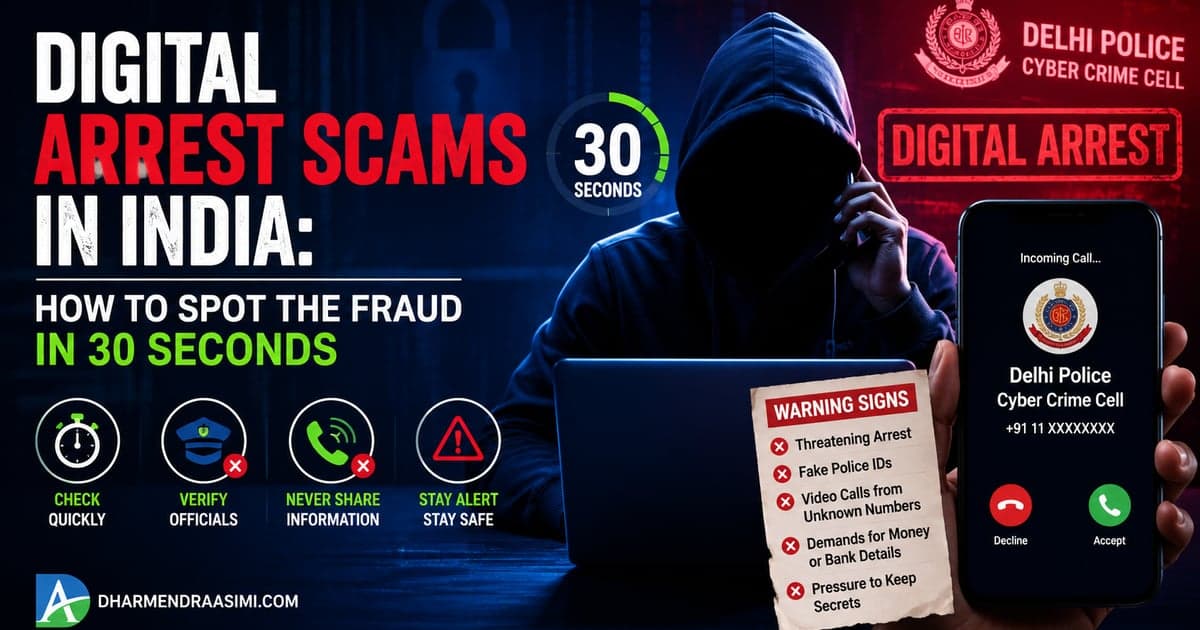
- Article 3: Digital arrest scams in India, how to spot the fraud in 30 seconds
- Article 4: Is this link safe? How to check any suspicious link before you click
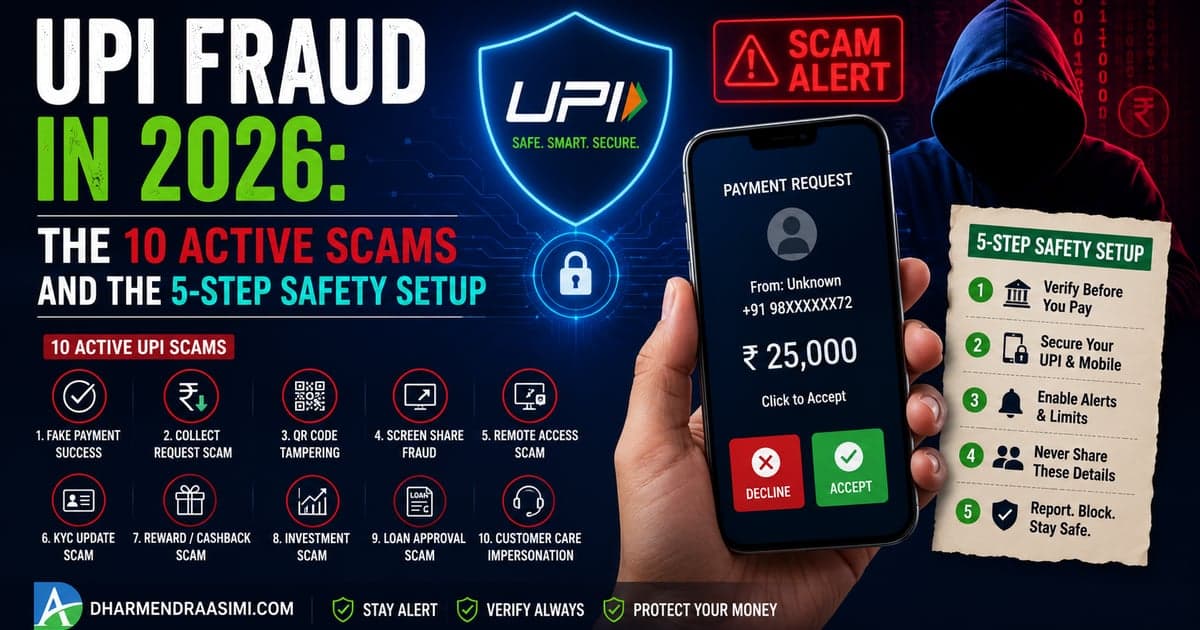
- Article 5: UPI fraud in 2026, the 10 active scams and the 5-step safety setup
Each article ships with a free, printable self-check resource on my Free Resources page, starting today with the Am I Hacked? 25-Point Self-Check, a one-page checklist covering email, accounts, phone, browser, and payment safety that you can run through in 15 minutes and share with family. The series also connects to the wider work I do on owning your digital presence and why your business needs infrastructure you control.
Frequently asked questions
How can I check if my email has been hacked for free?
Search your address on Have I Been Pwned (14+ billion breached records), run Google Security Checkup or your provider's activity log, and inspect your mailbox for sent emails you did not write and forwarding rules you did not create. All three checks are free and take about five minutes.
What does it mean if my email appears in a data breach?
A service where you registered was breached and your data is circulating. Your mailbox itself may be fine, but if the leaked password is reused anywhere, change it everywhere now. The attack that follows a breach is credential stuffing: trying the leaked password on your other accounts.
What are the signs my email is actively compromised?
Sent emails you did not write, forwarding rules and filters you did not create, password reset emails you did not request, login alerts from unknown devices, contacts receiving spam from you, missing emails, and a password that suddenly stops working.
My email was hacked. What do I do first?
In order: change the password from a clean device, sign out of all sessions, enable app-based 2FA, verify recovery details, delete rogue forwarding rules and filters, revoke unknown third-party apps, then reset passwords on bank and payment accounts that depend on this email.
Is SMS OTP enough, or do I need an authenticator app?
Use an authenticator app or a passkey. SIM swap fraud, well documented in India, lets criminals receive your SMS codes on a duplicate SIM. Passkeys are the strongest option because they cannot be phished even on a perfect fake site.
Why do hackers want my email if there is nothing valuable in it?
Your inbox is the password-reset hub for your bank, UPI, shopping, and social accounts, and an archive of identity documents. Controlling it means controlling everything downstream.
How often should I run this self-check?
Quarterly, plus immediately after any login alert, any news of a breach at a service you use, or any report of spam coming from your address. Subscribe to Have I Been Pwned notifications so new breaches reach you automatically.
Where do I report email-linked financial fraud in India?
Call 1930 within the first hour, file at cybercrime.gov.in with evidence, and alert your bank's fraud line for a freeze. Speed decides recovery: funds reported in the golden hour are frequently frozen mid-transfer.
Cyber Kavach · Free Resource
Run the free interactive Am I Hacked? security self-check to get your live score, or download the printable version to run through with your family this weekend. Fifteen minutes of checking beats fifteen days of recovery.
About the author
Dharmendra Asimi is an SEO Expert and WordPress Professional based in Bangalore, India. Founder of Aapta Solutions (established 2007), he has secured, cleaned, and hardened websites and business email setups for hundreds of Indian businesses since 2005, including SPF, DKIM, and DMARC rollouts and post-breach recoveries. Cyber Kavach is his self-defence series for everyday digital safety. Read his full bio, explore technical consulting, or book a free 15-minute call if you suspect your business email or website has been compromised. For the rest of the series and printable checklists, visit the Free Resources page.
Enjoyed this? Get the next one in your inbox
Join readers getting practical guides like this every week. Free, unsubscribe anytime.
- One practical article a week, no fluff
- Free checklists and self-check PDFs first
- SEO, WordPress, AI search, and online safety